A red warning screen from Google. Customers messaging you about being redirected to some sketchy website. Weird spammy links suddenly showing up on your homepage that you definitely didn't put there. It's a gut punch. Your website is basically your storefront, and right now it feels like someone smashed the front window and walked right in.
And here's the tough part: every hour this sits unresolved, it's chipping away at your SEO, your credibility, and yes, your sales too.
What Does a WordPress Hack Actually Look Like?
Most hackers don't even want to delete your site. That's not the goal. They'd rather quietly borrow its authority for their own schemes. A few ways this usually shows up:
- The Redirect Hack: someone on mobile tries to visit your site and gets bounced straight to a malicious ad or some fake prize giveaway instead.
- The Japanese Keyword Hack: Google starts indexing thousands of auto-generated pages on your own domain, usually stuffed with foreign characters and selling counterfeit goods you've never heard of.
- The Phantom Admin: you log into your dashboard one day and there's a new administrator account sitting there. One you definitely never created.
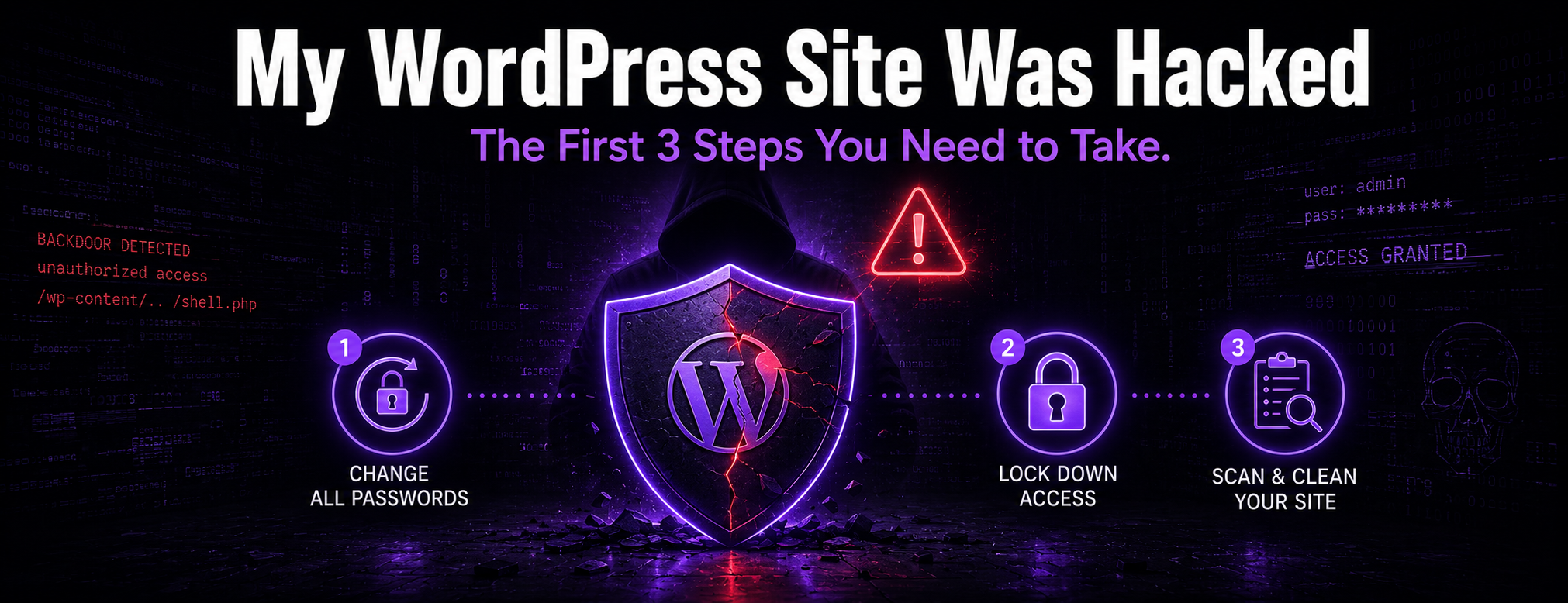
Your First 3 Steps (And What to Avoid)
If you think your site's been compromised, the doors need to get locked right now, not tomorrow.
- Change Passwords Immediately: update your hosting, WordPress admin, and database passwords. Kick out anyone in your dashboard who shouldn't be there.
- Contact Your Host: a lot of hosts will quarantine your site temporarily just to stop things from spreading to other sites sharing the same server.
- Don't Just Hit 'Scan': it's really tempting to grab a $200 automated security plugin and hope that fixes everything. Don't. Hackers know what they're doing, they'll bury hidden scripts called "backdoors" deep in your server files where scanners rarely look. We cleaned up a site not long ago where a premium security plugin had completely missed 14 of these hidden backdoors.
The Danger of the "Cheap Cleanup"
Bring in a $15/hour freelancer to handle a hack, and here's usually what happens: they wipe out the obvious malware and vanish. Simple as that. Problem is, the backdoors are still sitting there untouched, so the hackers just waltz back in the next day and reinfect everything.
Get a Proper Cleanup Plan
What you actually need is a cleanup plan that reviews affected files, database changes, administrator access, redirects, credentials, vulnerable software, and hardening steps.
If the compromise needs professional cleanup, our WordPress hacked-site repair service can review the symptoms, define the cleanup scope, and explain hardening recommendations.
Immediate response steps
- Preserve evidence and note symptoms, including redirects, warnings, spam URLs, strange admin users, or changed files.
- Contact the host when the account, server, or email may also be compromised.
- Restrict access when appropriate so more changes are not made while the issue is reviewed.
- Reset administrator, hosting, FTP, database, and related credentials after the access path is understood.
- Avoid restoring an unverified infected backup, because it can reintroduce the same malware.
- Review unfamiliar administrator accounts and remove access that cannot be explained.
- Check redirects, spam pages, injected scripts, and search-console warnings.
- Prepare a cleanup and hardening plan that covers files, database, credentials, plugins, themes, and hosting limits.