WordPress sites don't maintain themselves. They're running on a stack of software - core, themes, plugins, PHP, a database - and every piece of that stack needs regular attention. Skip it long enough, and something breaks. Usually at the worst possible time.
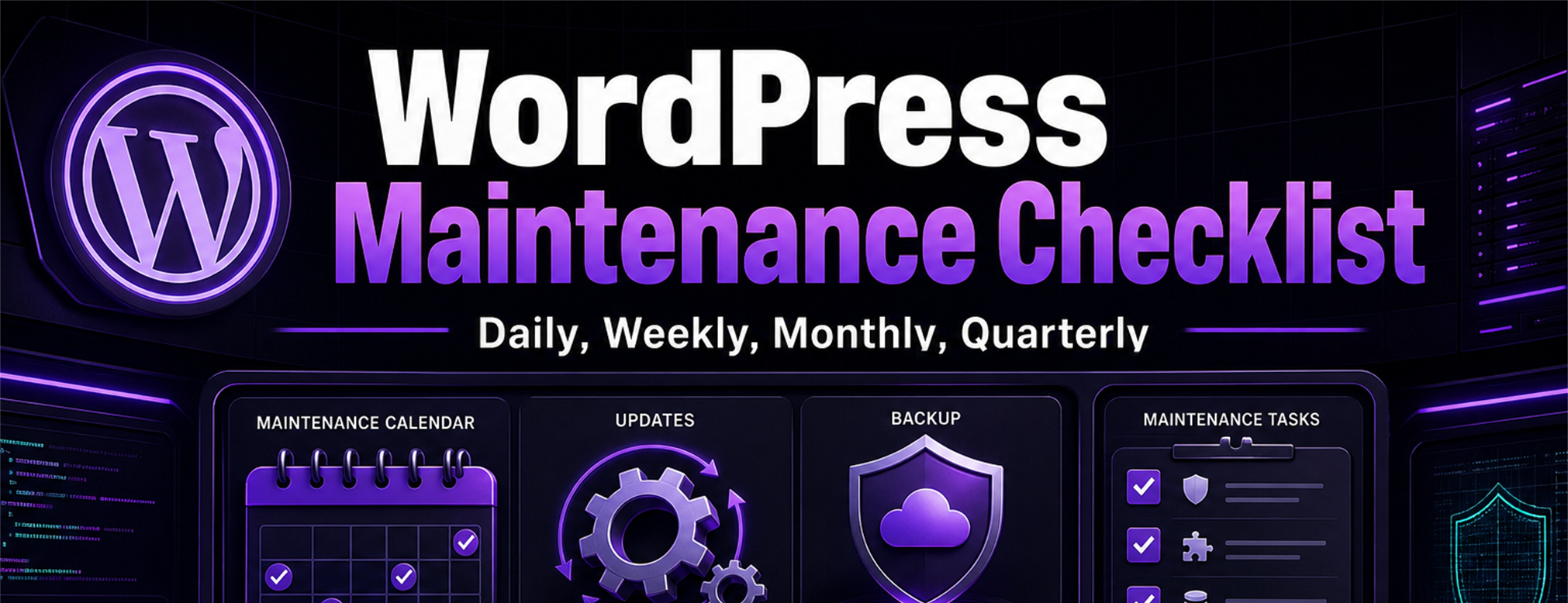
This checklist covers what actually needs to happen on a weekly, monthly, and quarterly basis to keep your site secure, fast, and reliable. No developer jargon, just the tasks that matter.
Maintenance Checklist by Frequency
Use this as an operating checklist. Assign a real owner for each line, keep evidence of completion, and decide whether the task belongs on staging before it touches the live site.
| Frequency | Task | Owner | Evidence of completion | Risk if skipped | Staging required? |
|---|---|---|---|---|---|
| Daily | Review uptime and critical alerts | Site owner or maintenance provider | Monitoring log or alert dashboard | Outages or errors may go unnoticed | No |
| Daily | Check WooCommerce, membership, or booking activity on active sites | Store owner or operations lead | Recent orders, bookings, renewals, or user reports reviewed | Revenue-impacting issues may persist | No |
| Weekly | Confirm backups completed | Site owner or maintenance provider | Backup log with files and database included | Restore point may be missing when needed | No |
| Weekly | Check pending core, theme, and plugin updates | Maintenance provider | Update list reviewed and prioritized | Security or compatibility updates may be missed | Sometimes |
| Weekly | Test key public paths | Site owner or maintenance provider | Form, checkout, login, or booking test notes | Broken workflows may remain live | Sometimes |
| Monthly | Apply approved updates | Maintenance provider | Update log, version notes, and post-update test notes | Outdated software increases avoidable risk | Yes for higher-risk sites |
| Monthly | Review security scan and admin users | Maintenance provider | Scan result and user list reviewed | Unrecognized access or malware symptoms may be missed | No |
| Monthly | Review performance and database health | Maintenance provider | PageSpeed notes, host metrics, or database cleanup log | Slow pages and database bloat can compound | Sometimes |
| Quarterly | Restore-test a backup | Maintenance provider | Staging or local restore notes | Backups may be unusable when recovery is needed | Yes |
| Quarterly | Audit plugins, theme, PHP, and hosting | Maintenance provider | Audit notes with risk items | Abandoned software or old PHP may become a bigger issue | No |
| Annual | Review licenses, domains, SSL, access, and vendor ownership | Site owner and maintenance provider | Renewal list and access inventory | Expired services or lost access can block recovery | No |
| After major updates | Test critical workflows and compare expected behavior | Maintenance provider and site owner | QA checklist, screenshots, and issue notes | Major compatibility changes can reach customers | Yes |
Weekly Tasks
These are the non-negotiables. If you're only going to do one set of tasks, make it these.
Run Backups
- Verify your automated backup ran successfully this week
- Confirm both files and database are included
- Check that the backup was stored off-site (not just on the same server)
Not sure how to set this up? Read our complete WordPress backup guide.
Check for Updates
- Log into your WordPress dashboard
- Check for WordPress core updates (Dashboard → Updates)
- Check for plugin updates
- Check for theme updates
Important: Don't click "Update All" without a backup ready. One incompatible plugin update can take your whole site down.
Review Uptime
- Check your uptime monitoring tool (we recommend UptimeRobot - it's free)
- Investigate any downtime events from the past week
- If you had outages, figure out why before they happen again
Quick Visual Check
- Load your homepage in an incognito/private browser window
- Click through your main navigation pages
- Submit a test contact form (check that emails actually arrive)
- If you run WooCommerce, do a quick test checkout
Monthly Tasks
These tasks go a level deeper. Set a calendar reminder for the first Monday of every month.
Update WordPress Core, Plugins, and Themes
- Back up your site first (always)
- If possible, apply updates on a staging site first and test before pushing to live
- Update WordPress core
- Update all plugins
- Update your active theme
- After updates, test your site's key functionality (forms, checkout, login, etc.)
Security Scan
- Run a malware scan using a security plugin (Wordfence, Sucuri, or iThemes Security)
- Review your WordPress admin users - remove any accounts you don't recognize
- Check for any new admin accounts you didn't create (a common sign of compromise)
- Verify your SSL certificate is valid (check for the padlock icon in the browser)
Performance Check
- Run your homepage through Google PageSpeed Insights
- Note your scores (Aim for 70+ on mobile, 90+ on desktop)
- Check for new issues flagged (large images, render-blocking scripts, etc.)
- Clear your caching plugin's cache after updates
Database Cleanup
- Delete post revisions older than 30 days
- Remove spam comments
- Delete trashed posts and pages
- Optimize database tables (many caching plugins have a built-in tool for this)
Review Analytics
- Check Google Analytics (or your preferred analytics tool) for unusual traffic patterns
- Look for sudden drops in traffic (could indicate an indexing or SEO issue)
- Review your top-performing pages
- Check for 404 errors in Google Search Console
Quarterly Tasks
These are the bigger-picture tasks that keep your site healthy long-term.
Full Backup Test
- Download a copy of your latest backup
- Restore it to a staging or local environment
- Verify the restored site works correctly
- This is the only way to know your backups are actually usable
Plugin and Theme Audit
- Review your list of installed plugins - do you actually use all of them?
- Deactivate and delete any plugins you're not using (each unused plugin is a potential security hole)
- Check if any plugins haven't been updated by their developer in over a year (potential abandonment)
- Check if your theme has been maintained and updated recently
Broken Link Audit
- Use a tool like Broken Link Checker (plugin) or Screaming Frog to scan for broken links
- Fix or redirect any 404 URLs
- Update any outdated external links
SSL Certificate Renewal
- Most SSL certificates auto-renew, but verify yours hasn't expired
- Check all pages load over HTTPS (no mixed content warnings)
- If you see "Not Secure" in the browser bar, your certificate needs attention immediately
Review Hosting Performance
- Is your site consistently loading in under 3 seconds?
- Are you getting close to your hosting plan's storage or bandwidth limits?
- Is your PHP version current? (WordPress recommends PHP 8.0+)
- Consider upgrading your hosting plan if you've outgrown it
Content Review
- Are your prices, hours, and contact information still accurate?
- Do all your service descriptions reflect what you currently offer?
- Are there any blog posts with outdated information that need updating?
- Check for any screenshots or images that reference old UI or pricing
The Maintenance Calendar Summary
| Frequency | Tasks |
|---|---|
| Daily | Uptime and critical alert review for active business sites |
| Weekly | Backup verification, update check, uptime review, visual site check |
| Monthly | Apply updates (with staging), security scan, performance check, database cleanup, analytics review |
| Quarterly | Full backup test, plugin/theme audit, broken link scan, SSL check, hosting review, content review |
| Annual | License, domain, SSL, access, and vendor ownership review |
| After major updates | Critical workflow QA, screenshot comparison, and rollback readiness |
Don't Want to Do This Yourself?
This checklist works. But it's also a significant time commitment every single week. If you'd rather spend that time running your business, a WordPress maintenance and care plan can define the backup, update, monitoring, reporting, and support responsibilities for your site.
No checklist replaces careful judgment. Higher-risk updates, emergency repairs, malware cleanup, migrations, redesigns, and new features may still need separate project scope.