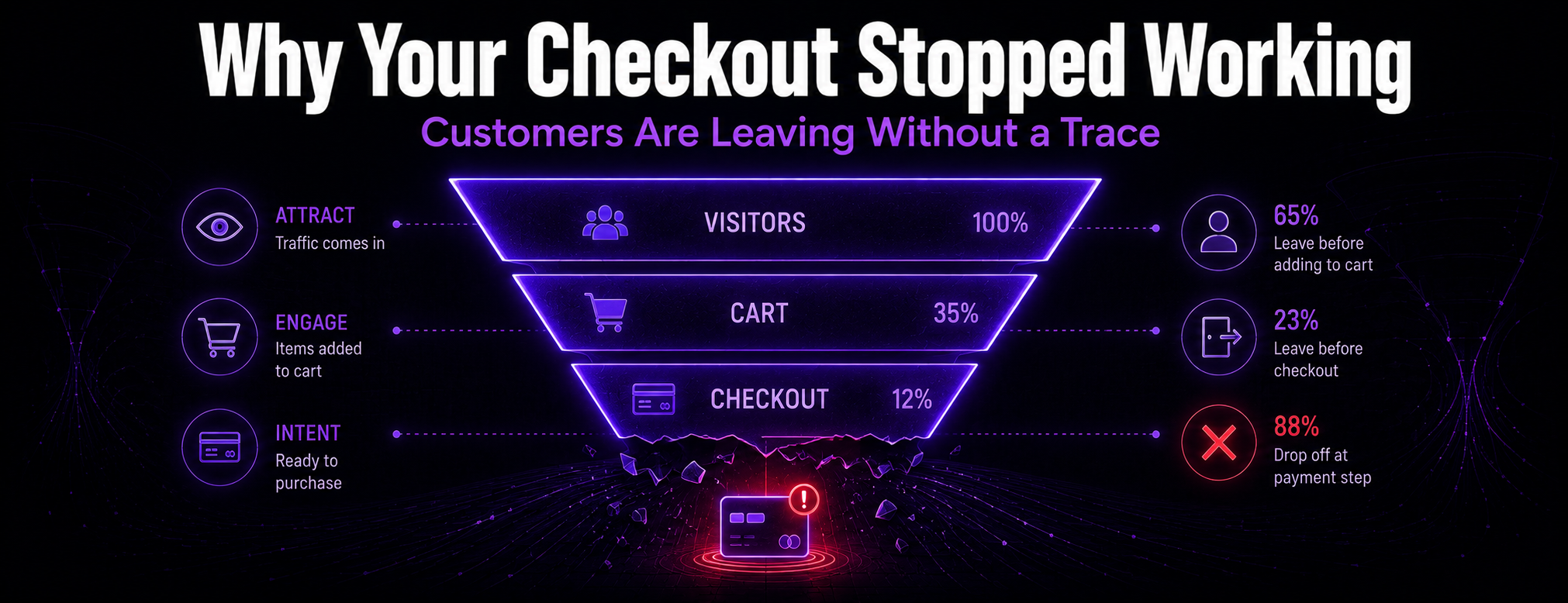
Few things stress out an ecommerce owner like a sudden, silent drop in sales. Traffic looks completely normal, people are still landing on your site, but somehow no orders are coming through. If that's what you're seeing, there's a good chance your WooCommerce checkout is quietly broken.
And here's what makes it worse: a broken checkout usually doesn't send you an error email or set off any alarm. Customers just quietly abandon their carts and leave. Every minute it stays broken is money walking out the door, gone for good.
Common Checkout Killers We See Every Day
- Payment Gateway Hiccups: your connection to Stripe, PayPal, or Square needs a developer update to keep processing cards properly. When that breaks, a customer hits "Pay" and the whole thing just freezes or throws back an error.
- Shipping Conflicts: a backend update quietly broke how your site calculates shipping rates. No shipping cost means no completed order, plain and simple.
- Theme Incompatibilities: your theme and the latest version of WooCommerce stop speaking the same language, and suddenly your credit card fields don't render right at all.
The Danger of the "Cheap Fix"
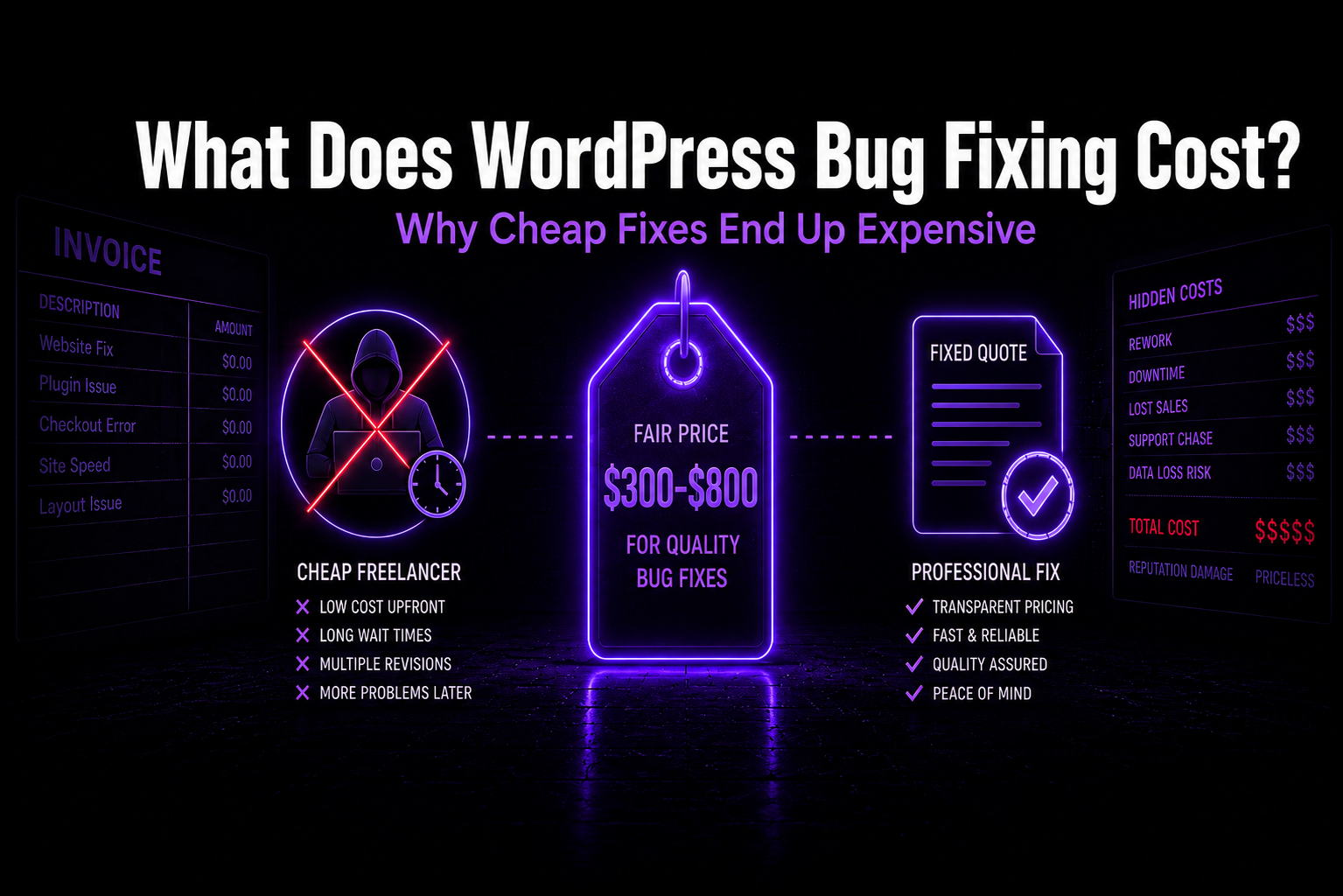
Every hour your checkout is down, you're losing real money. So the panic kicks in, and it's tempting to grab a $15/hour freelancer off some marketplace who says "yes sir, no problem" and promises it'll be fixed in an hour.
Don't. We've seen it play out too many times: cheap offshore developers accidentally deleting historical orders, breaking other parts of the site, or just going quiet for days without ever touching the actual problem. What you really need is someone who actually understands the database structure underneath, and who tests every fix safely in staging before it ever touches your live store.
Stop Losing Sales Today
You're a business owner, not a web developer. Your job is running the business, not troubleshooting payment APIs at 2 AM.
If checkout troubleshooting points to a repair issue, our WooCommerce checkout repair service can help isolate the cause and test the affected buying journey.
WooCommerce checkout diagnostic checklist
- Confirm payment gateway status and account notices.
- Run a failed test order in a safe way and document the exact error.
- Check cart and session behavior across browsers and logged-in states.
- Review shipping zones, shipping methods, and address rules.
- Review tax configuration and location rules.
- Check caching, CDN, and optimization plugins.
- Open browser developer tools and review JavaScript errors.
- Review plugin conflicts, especially recent updates.
- Check webhook failures in WooCommerce and payment-provider logs.
- Confirm transactional email delivery and order-status emails.
- Review recent core, theme, plugin, PHP, or hosting updates.
- Check hosting and database errors when checkout is slow or timing out.