Website breaks, first thought is always the same: "Can I just fix this myself?" A few hours later, after burning through a stack of outdated YouTube tutorials and getting nowhere, that question turns into a different one. "How much is this actually going to cost me?"
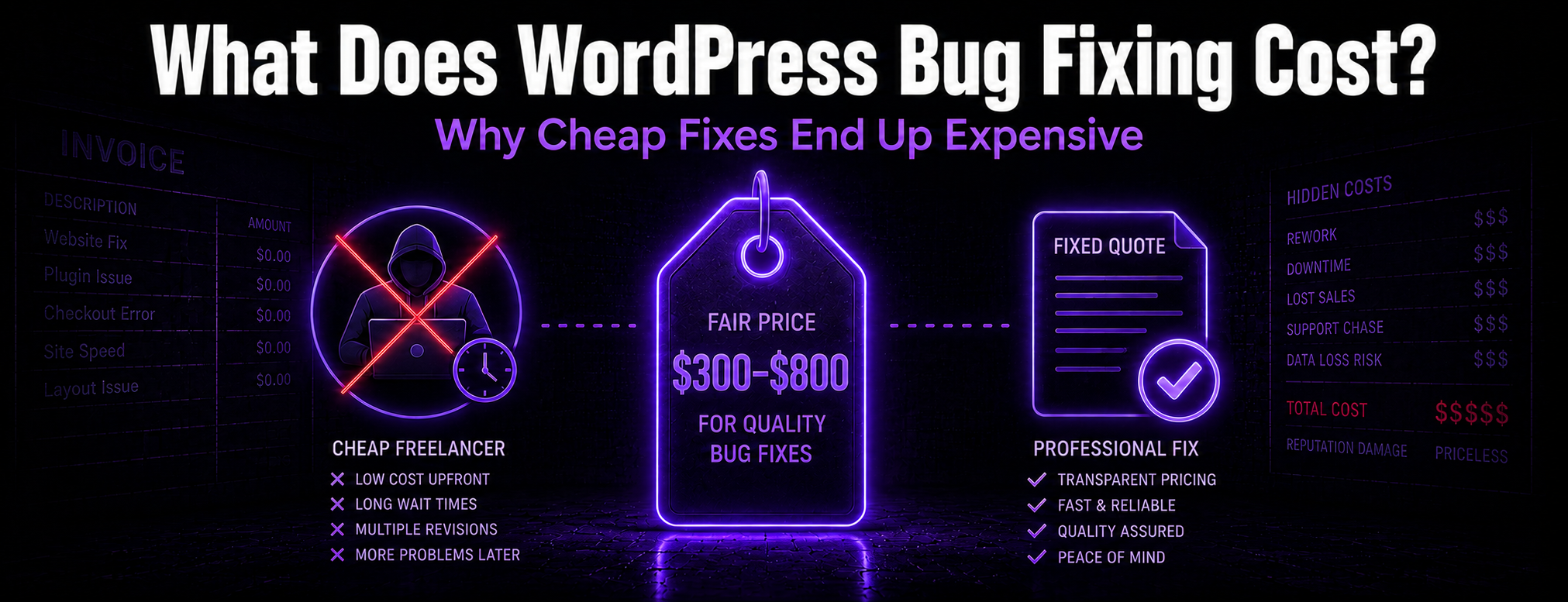
It's tempting to hop on a freelance marketplace and hire someone offshore for $50 to patch it up quick. Here's the hard truth though, one we run into every single week: the cheap fix almost always turns out to be the expensive one.
The Hidden Cost of the "Cheap Fix"
Hiring a cheap developer isn't just a $50 to $200 line item. You're also paying with your time and your site's stability, whether you realize it or not. Here's what tends to happen:
- The Disappearing Act: they say "yes sir," grab your payment, then go quiet for days while your site sits there, still broken.
- The Timezone Trap: they're on the other side of the planet, so every question means waiting 12 hours for an email back. You can lose a full day of sales just chasing a status update.
- The Domino Effect: they finally patch your broken menu, but the sloppy code quietly breaks your contact form or checkout somewhere in the background. Now you're paying someone else just to clean up the new mess.
The Honest Pricing Model
At Manaknight Digital, repair pricing depends on the issue, the quality of the existing code, the condition of the database, the hosting environment, and how much testing is required. The part that matters most is clarity: we quote a fixed price before repair work begins.
No hourly black hole, no surprise invoice at the end, no guessing games. If we misjudge how long something takes, that's on us, not you.
Pricing Factors That Change the Scope
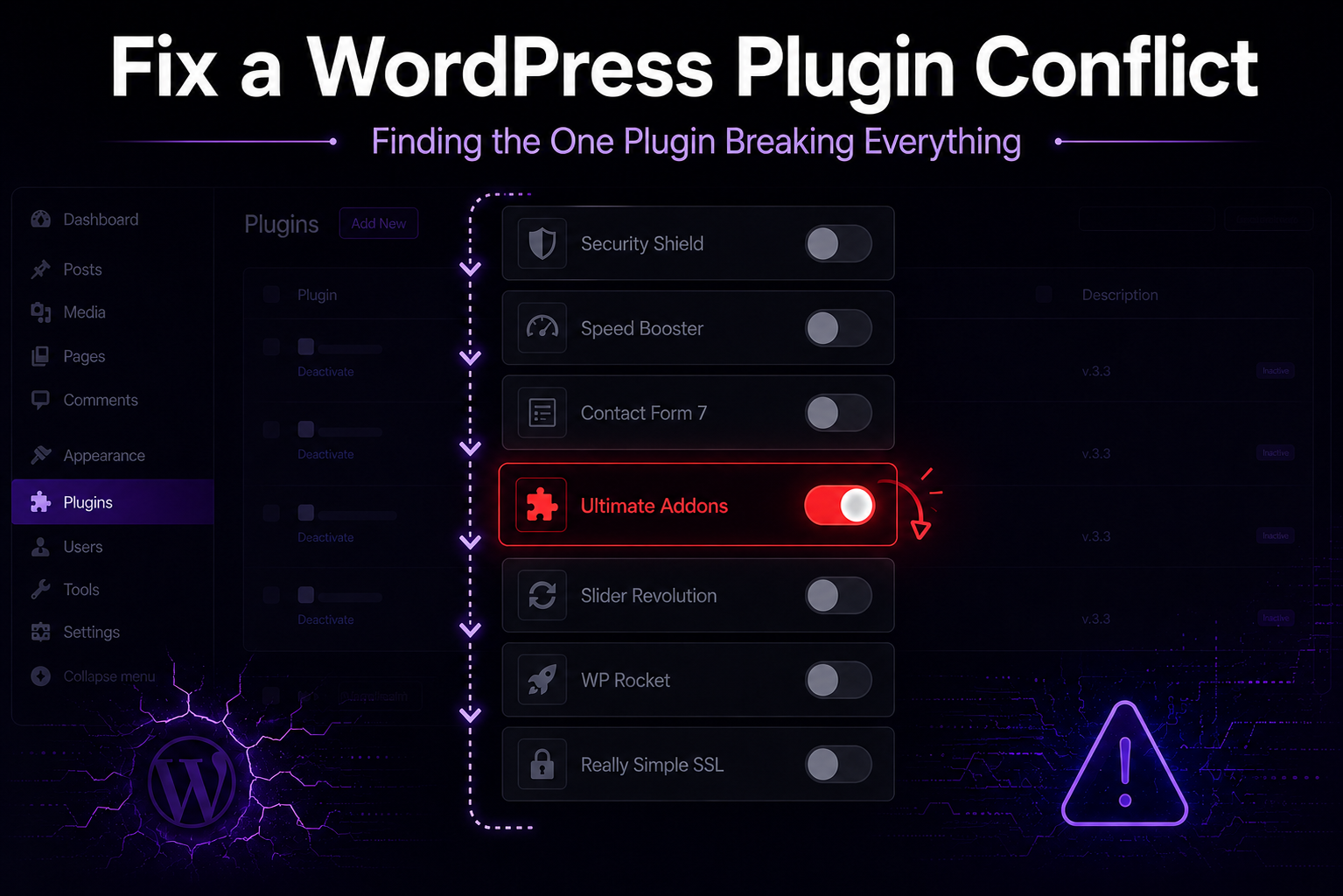
The same visible symptom can have very different causes. A broken button may be a simple JavaScript conflict, a theme issue, a failed plugin update, a caching problem, or a deeper database problem.
Common pricing factors include:
- how reliably the issue can be reproduced
- code quality in the active theme, child theme, and custom plugins
- database condition and whether records are damaged or inconsistent
- plugin and theme conflicts
- available hosting, FTP, database, and WordPress administrator access
- whether malware or a security compromise is involved
- WooCommerce complexity, including checkout, subscriptions, order timing, and payment providers
- third-party API behavior and credentials
- urgency and required coordination with your team or host
- staging availability
- testing requirements before changes go live
What a Diagnosis Should Include
A useful diagnosis should identify the symptom, the likely cause, the files or settings involved, the access required, and the safest repair path. It should also explain whether a backup, staging copy, plugin rollback, theme patch, database review, hosting change, or separate development scope is needed.
What a Fixed-Price Quote Should Include
A clear quote should describe the issue being repaired, the work included, the expected access requirements, what will be tested, what is excluded, and what happens if the diagnosis reveals a different problem. That protects both the site owner and the repair team from vague expectations.
Repair Work Versus Development Work
Repair work usually restores intended behavior: a white screen, broken form, plugin conflict, failed update, checkout error, or layout issue.
Development work changes or extends functionality: a custom integration, custom WooCommerce workflow, data sync, reporting tool, booking logic, or payment-gateway behavior. When the problem turns out to require new functionality, it should be scoped as a custom plugin-development project, not squeezed into a repair quote.
When the Issue Needs a Separate Project Scope
Some issues need more than a bug fix. A separate scope may be appropriate when the site depends on unsupported plugins, undocumented custom code, external APIs, abandoned themes, complex WooCommerce subscriptions, damaged data, malware cleanup, or a feature request disguised as a repair.
What Your Quote Actually Includes
- A full, secure backup of your site before we touch a single line of code.
- A plain English, jargon-free diagnosis of exactly what went wrong.
- A scoped repair plan from a registered Canadian company working in your timezone.
- A summary of the repair path, testing expectations, and any follow-up work that should be handled separately.
You don't have time to babysit another vendor or teach yourself to code at 2 AM. Send us your URL and we'll review the issue and explain the next diagnostic step. Learn more about our WordPress bug-fixing service.
Want to know exactly what it will cost to fix your site?